
Loading Menuthere...
Please do not close this window
Please do not close this window
For home bakers and cake makers
A home bakery website is one link where customers pick the cake and size, say pickup or delivery, and send the order to you. Menuthere gives you one free, with 0% commission. A date picker and online payment start on Lite, $9 a month.
Find your bakery on Google, or add it by hand. Free plan: 50 orders a month, 0% commission on every plan.
Not on Google? Create it manually


Meta
Tech Provider
Official Meta Tech Provider
Menuthere is an official Meta Tech Provider. Your WhatsApp ordering, broadcasts and live order updates run on Meta's own WhatsApp Business Platform, the same one global brands rely on.
The short answer
If your orders live in Instagram and WhatsApp DMs, you answer the same questions all day: what cakes, what sizes, what price, which day. A site answers them once. The customer sees your cakes with prices, picks a size, chooses pickup or delivery and sends the order. You see it already added up.
You have two free ways to start. The free WhatsApp order page is a lighter page at menuthere.com/w/yourname. The order opens in WhatsApp, with a date and your own questions if you want them. A Menuthere store is a full ordering website with a dashboard and a partner app that rings when an order arrives. The Free plan includes 50 orders a month.
What costs money. A date picker for pre-orders in the store, your own domain, and online card or UPI payment start on Lite, $9 a month (7-day free trial). Commission is 0% on every plan, and the payment gateway keeps its own fee.
You do not need a shop for any of this. If you run a bakery shop with a counter, see online ordering for bakeries instead.
Three ways to take orders
Most home bakers start in DMs and move up when the messages get heavy. Here is what changes at each step.
| WhatsApp or Instagram DMs | Free WhatsApp order page | Menuthere store (Free, then Lite) | |
|---|---|---|---|
| Customer sees cakes, sizes and prices | No, you send a list or photos | Yes | Yes, with photos, sizes and add-ons |
| Order arrives added up | No, you total it in the chat | Yes, as a WhatsApp message with the delivery fee | Yes, in your dashboard and partner app, which rings until you accept |
| Date the customer wants it | Only if they remember to write it | Yes, a date picker with the earliest day you allow and a closing date | Date picker on Lite. On Free, customers write the date in the order note |
| Your own questions (message on the cake, flavour) | You ask each time | Yes, your own questions on the page | A note box at checkout. Put what you need to know in the item description |
| Pay online | No, you send bank details | No. Your payment note shows after the order, plus a Pay by UPI button in India | Lite: card and UPI on your own gateway. Free: cash, pay on pickup, your payment link or bank details |
| Record of orders | Scroll the chat | Your WhatsApp chats. The page keeps no order list | Dashboard with 30 days of history on Free, full history on Lite |
| Limit on orders | None | None | 50 a month on Free, unlimited on Lite |
| Your own domain, no Menuthere badge | Not applicable | No | Lite |
| Cost | Free | Free, 0% commission | Free, or Lite at $9 a month. 0% commission on both |
The order page and the store are two different products. The page needs no plan and no store. The store is a full Menuthere account, and an order page can be turned into one later if you choose.
What your customer does
This is the path on a Menuthere store. The free order page follows the same idea inside one page.
Your cakes show with photos and descriptions. Each cake can have sizes with their own prices, such as 0.5 kg, 1 kg and 2 kg, and add-ons such as extra candles.
Takeaway and delivery are both on the Free plan. For delivery the customer types their address. Delivery fees and zones can be set, and advanced zones and distance fees start on Lite.
On Lite the customer picks a date at checkout, after the notice you set. On Free, or on the free order page, they write the day in the note or pick it on the page.
A special-requests box at checkout takes the message for the cake and any detail you need. It shows on the order in your dashboard. Reference pictures can go in the WhatsApp chat.
On Free the customer pays cash, on pickup, to your payment link or to your bank details. On Lite they can pay by card or UPI online. Details are in the payments section below.
It rings in the partner app for Android and iPhone until you accept it, shows in your dashboard, and a copy can go to your WhatsApp. The customer gets a live order-status page.
Which one to start with
Start with the free order page if you take a handful of orders a week, you are happy to confirm each one in WhatsApp, and you want to be live this afternoon. You list your cakes, set the date rules and questions, and share the link in your Instagram bio. You need only an email address to publish. The page keeps no order list, so your WhatsApp chats are your record.
Move to a Menuthere store when you want a dashboard with every order in one place, a partner app that rings, and a live status page for the customer. The Free plan covers 50 orders a month. Past 50 the menu turns view-only until the 1st, or you upgrade to Lite.
Choose Lite when you want customers to pick the date at checkout, pay by card or UPI online, use your own domain, and remove the "Ordering by Menuthere" badge. It has a 7-day free trial.
Before any of this, price your cakes properly. The free cake price calculator works out a price per kg or per serving from your ingredients, time and extras.
How to set it up
These steps are for a Menuthere store. The order page has its own three-step builder at the link above.
Search your bakery on Google, or add it by hand if you have no listing. Choose your currency and your pickup and delivery options.
Import your menu from a photo, a PDF, an Instagram link or a Google link, or type it in. Fix the prices, add photos, and add sizes and add-ons to each cake.
Turn on takeaway, delivery or both, and set a delivery fee. Choose how customers pay. On Lite, turn on scheduled orders and set the notice you need.
Put the link in your Instagram bio and WhatsApp status, and print the QR code for your boxes and flyers.
The partner app rings until you accept. After that the customer's status page updates, and you can chat with them on WhatsApp if the order needs a detail.
Dates and notice
On Lite, scheduled orders let the customer pick a date, and you decide how it works. You set the minimum notice before an order can be collected or delivered, and how many days ahead customers can book. The picker can ask for the date only.
You can limit scheduling to chosen cakes. A cake that needs two days can be marked as a pre-order item with its own advance notice, and you can name the weekdays you bake it. Other items stay normal.
When scheduling is limited to chosen cakes, a basket that mixes one of them with an ordinary item is asked to be split, because an order carries one date.
On the free order page the date is built in: customers pick a day from the earliest one you allow, and you can set a closing date for a festive batch. This is the free way to take dated cake orders.
Taking payment
What is possible depends on the plan and your country.
Cash, pay on pickup, your own payment link or your bank details. The order tells you what the customer chose, and you confirm it in WhatsApp.
Add your UPI ID and the page shows a Pay by UPI button with the order total. Elsewhere the page shows your payment note after the customer sends the order.
Online payment goes through your own Stripe account, in countries where Stripe opens accounts. Elsewhere, stay on cash, your payment link or bank details.
Online payments run on your own Razorpay or Easebuzz account. Menuthere takes 0%. The gateway charges its own fee.
What goes on the site
GoDaddy and Better Baker Club both list a short set of pages for a home bakery. Keep yours to this.
Cakes, sizes and prices where a customer can see them. GoDaddy lists a menu or product list among the must-have pages.
Clear photos of your finished cakes, shown with each item on the menu. GoDaddy lists a photo gallery among the pages to have.
Say how much notice you need, where pickup is and which areas you deliver to. GoDaddy lists location and hours among the pages to have.
GoDaddy says a custom order request form suits baked goods priced one by one. On the free order page that is the order form option.
Who bakes, from where, and what you specialise in. GoDaddy also lists contact details and hours.
Allergens you handle, minimum order, lead time and payment. Better Baker Club lists a FAQ among the pages to have.
Other tools
Cakery gives each baker an order page and order management, with Stripe payments. Its page says plans start at $8.99 a month with a 30-day free trial.
Take App has a free Basic plan that saves 50 orders a month to its dashboard, with orders after that still reaching WhatsApp. Its Business plan is $1 for the first month, then $50 a month. Take App says it charges no commission.
General website builders such as Hostinger make a full site. Its bakery guide quotes $3.99 a month and does not cover home bakers specifically.
These figures are from each company's own page, read on 7 October 2026. Check the page before you decide, because plans change.
Before you sell from home
A website puts your name in front of more people, so check the home-food rules first. GoDaddy's guide tells home bakers to check local cottage food laws before launching, covering what you may sell, labels, and whether online orders are allowed.
In the UK, gov.uk says a food business run from home, or sold online, must register with the local authority at least 28 days before it starts trading.
In India, the free FSSAI licence checker shows which registration or licence fits a small seller.
Menuthere does not check or file any of this for you. Rules differ by country and by state, so read your own authority's page.
Sales by day, hour and dish — counted from the orders you already take.
Take UPI, card and wallet payments at checkout, each matched to its order.
Send offers to customers who have ordered, and win back the ones who drifted.
Discount codes, free items and points your customers redeem at checkout.
Every order lands on your dashboard, your phone and your kitchen printer at once.
Assign an order to your own rider; your customer follows it on a live link.
Questions owners ask
Find your bakery on Google, or add it by hand, and get your menu and ordering website. Free plan with 50 orders a month, 0% commission on every plan.
600+ restaurants run their own ordering website.
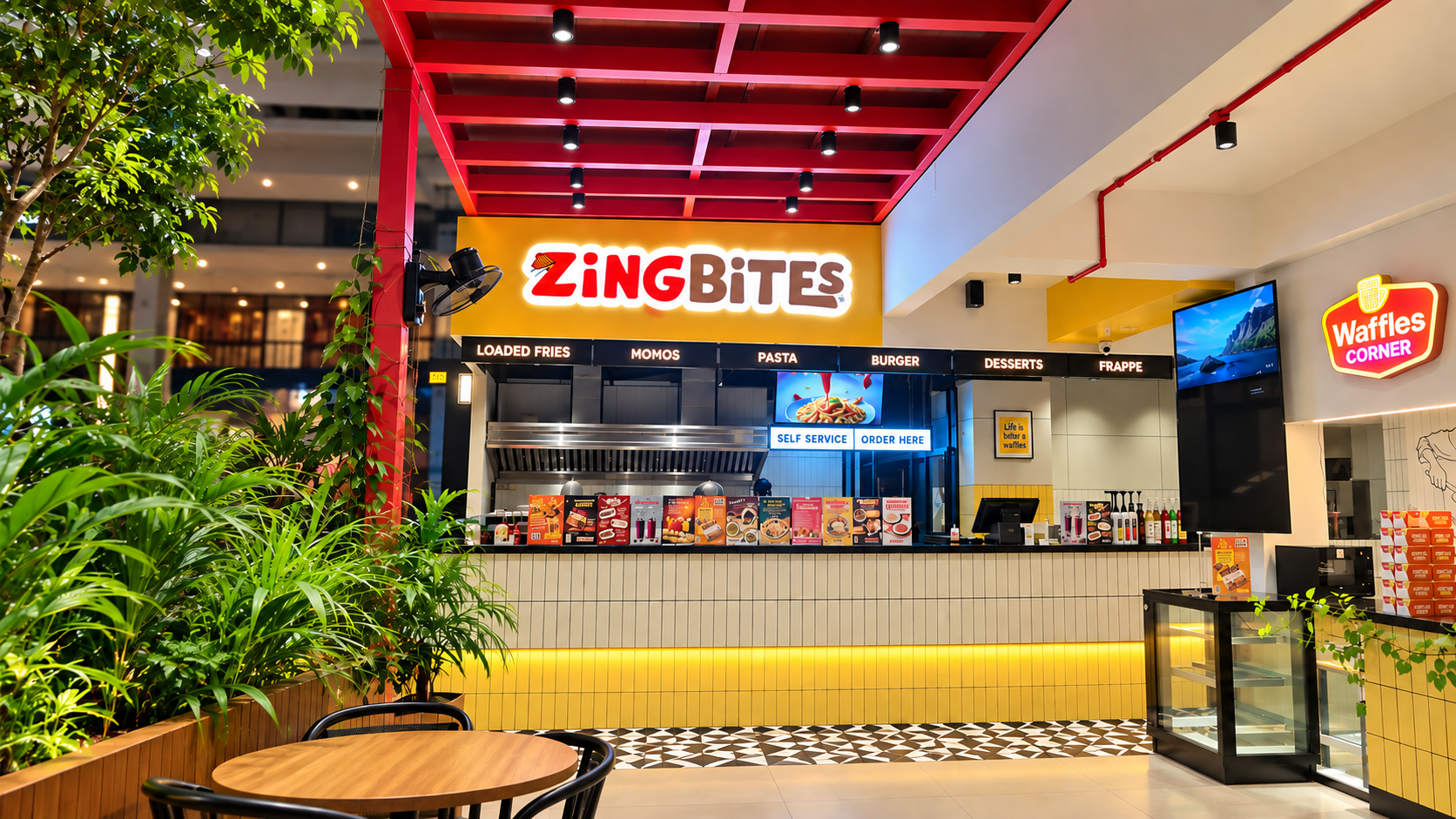
$5,930
in online sales since Jun 2026
Zing Bites
Medical College, Kozhikode
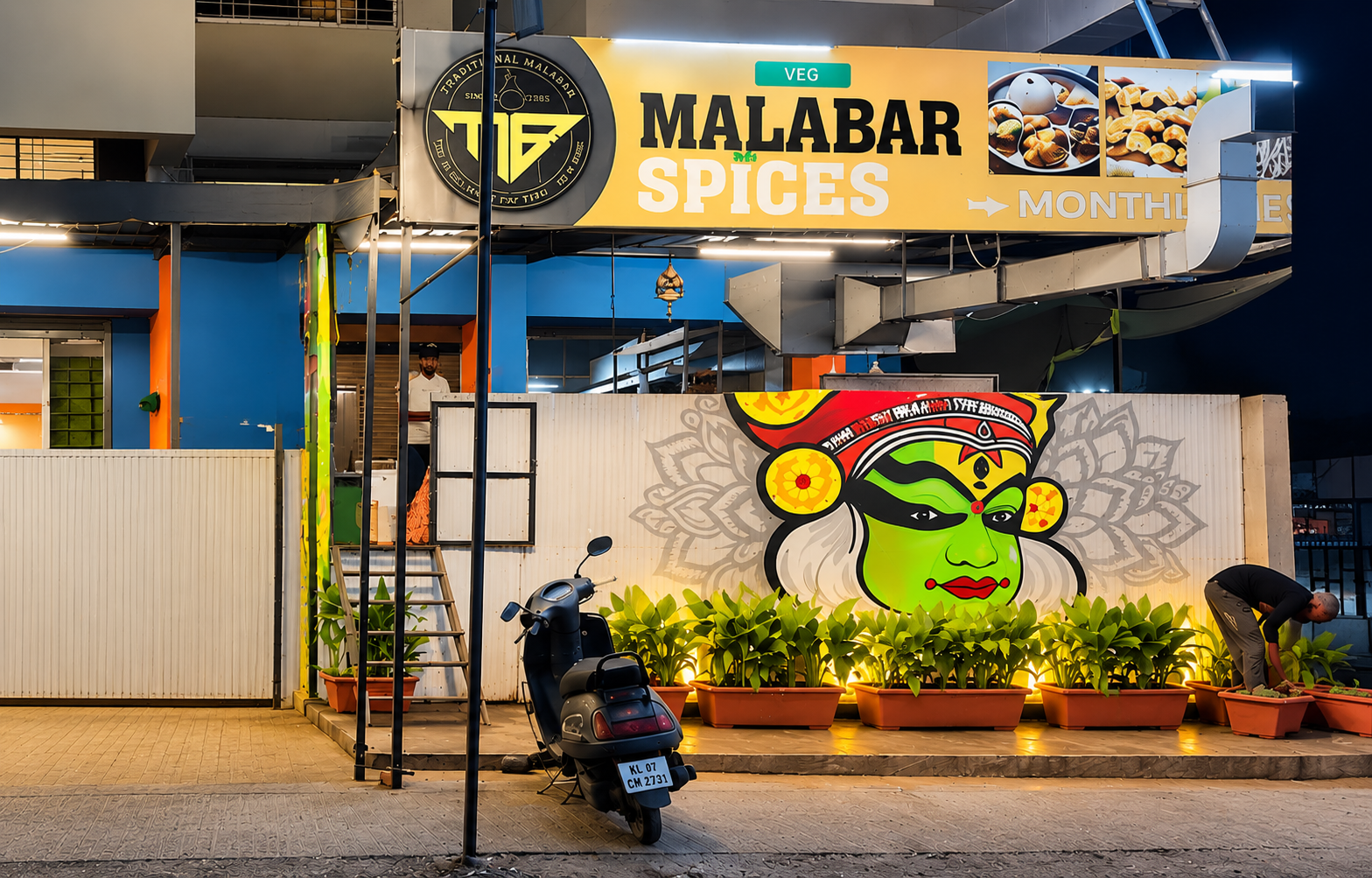
$3,210
in online sales since Feb 2026
Hotel Malabar Spices
Kadamwak Wasti, Pune
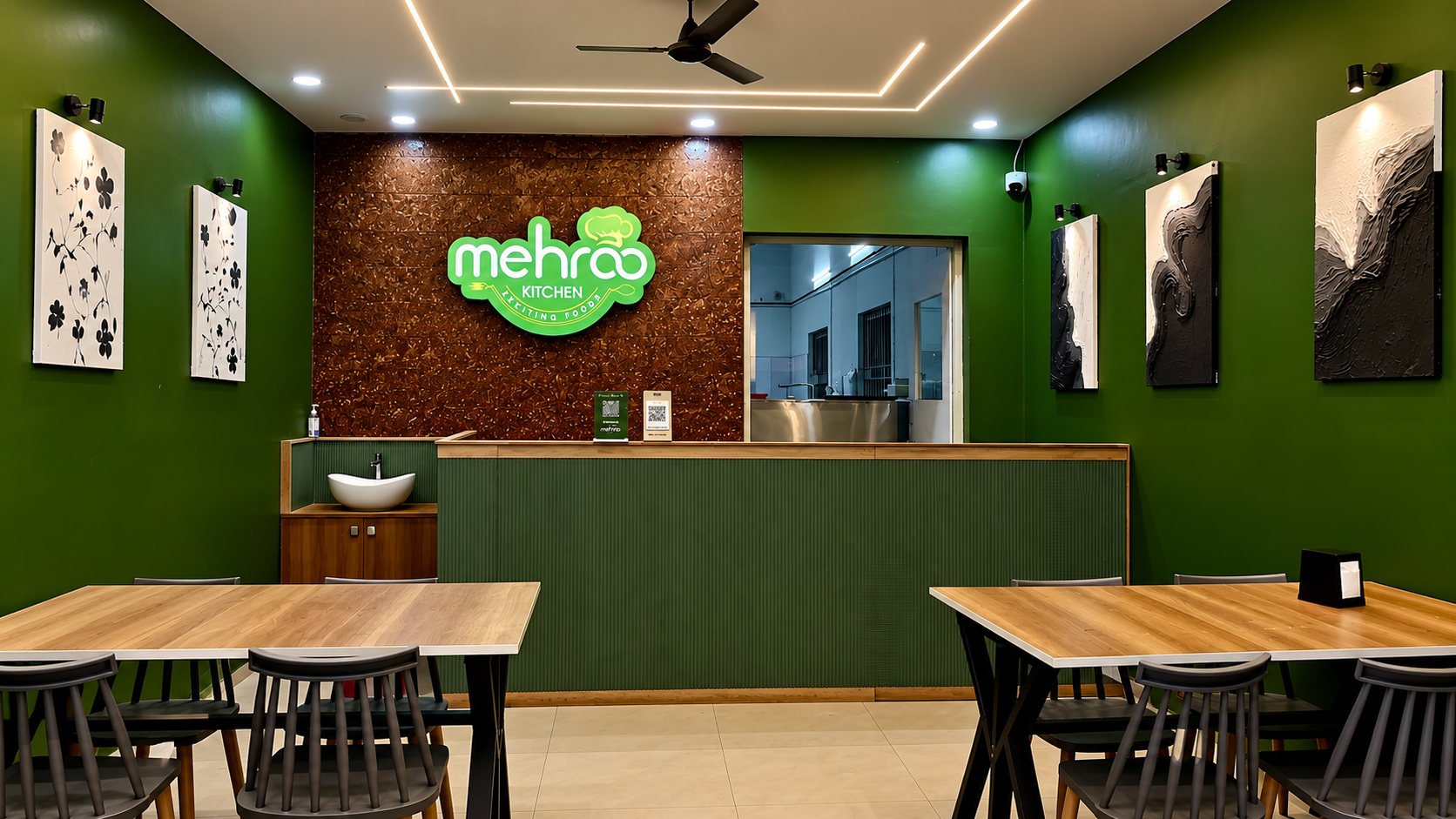
$2,100
in online sales since Jun 2026
Mehroo Kitchen
Bengaluru
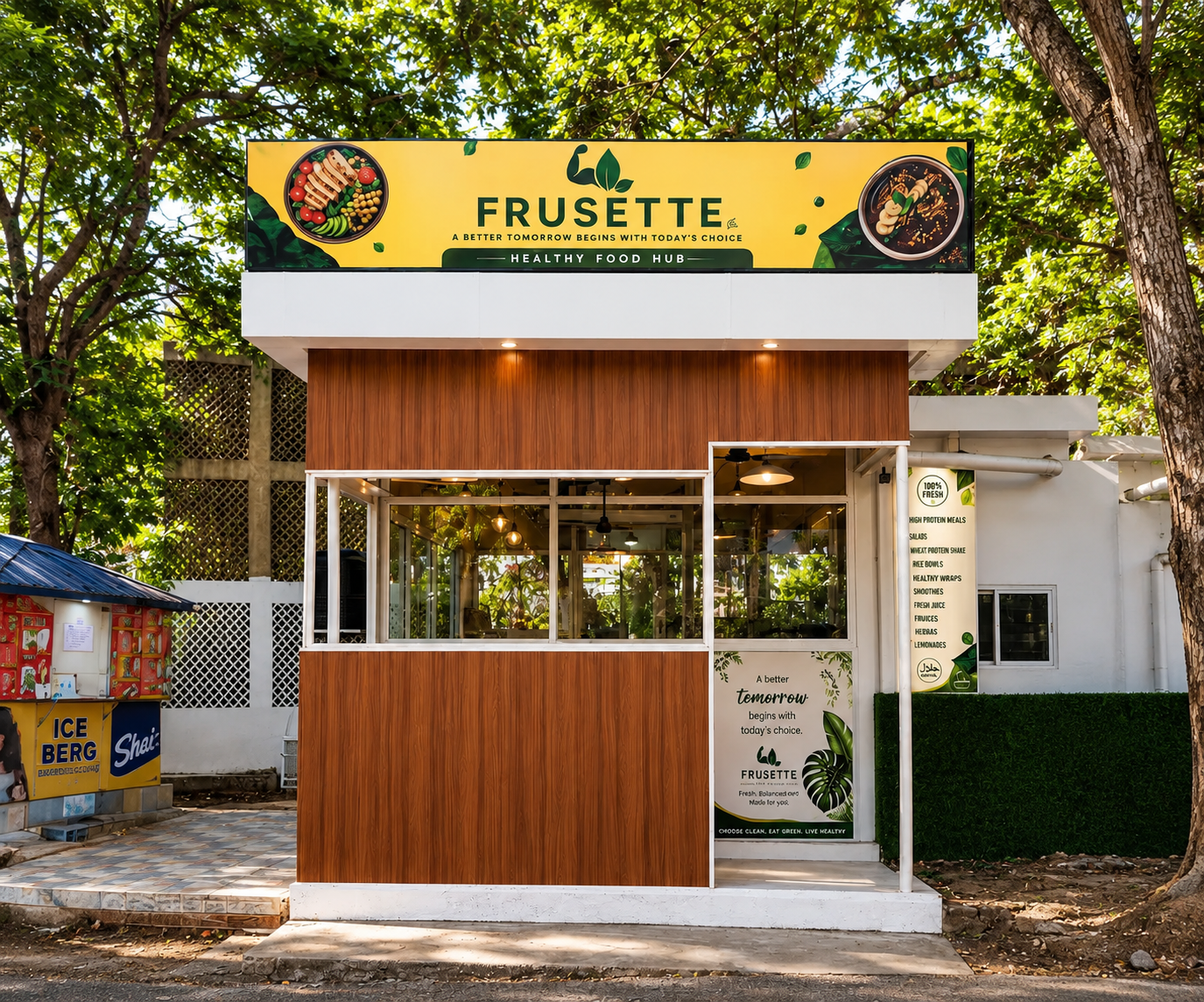
$2,870
in online sales since Jun 2026
Frusette
Technopark, Thiruvananthapuram
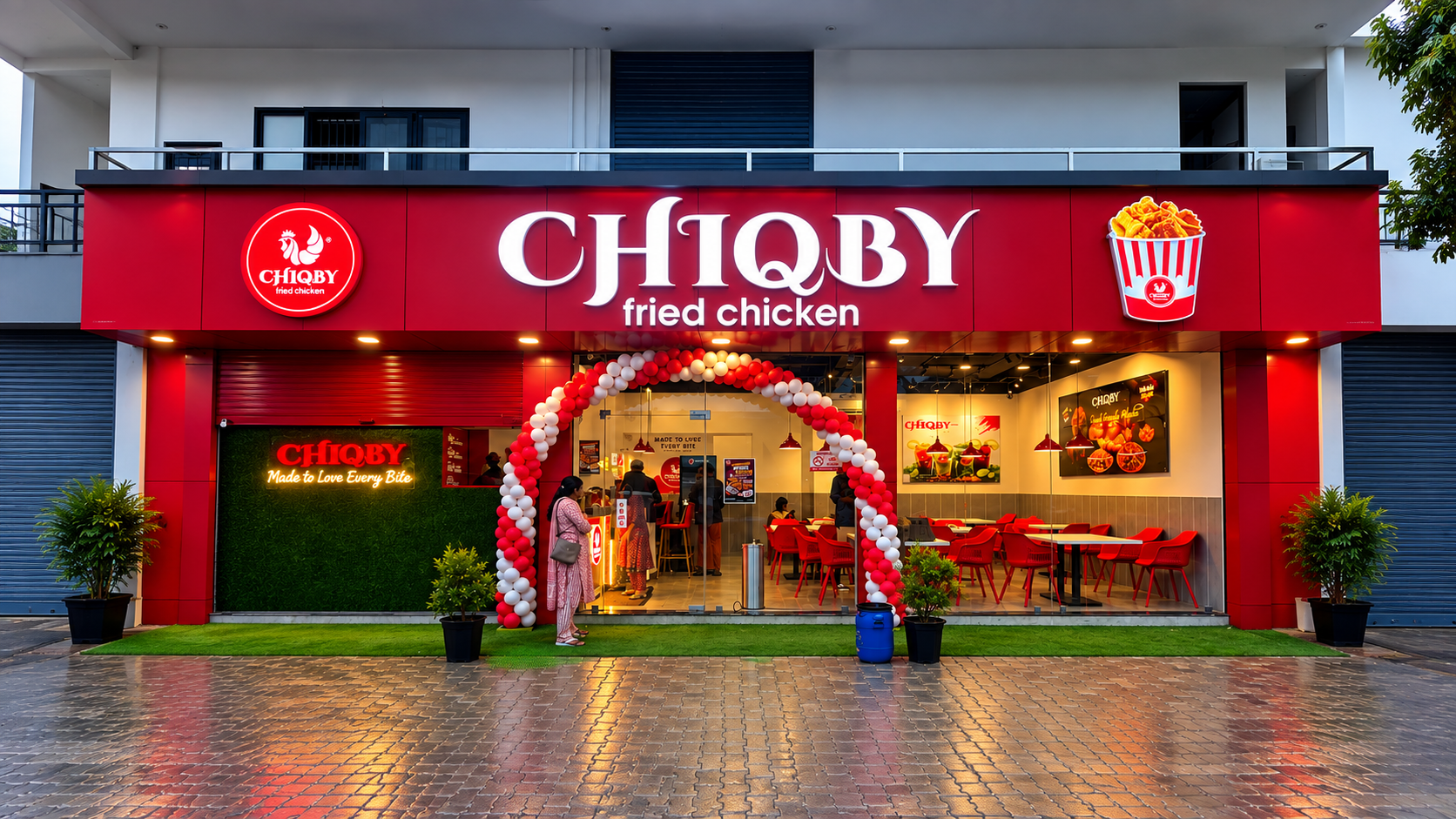
$2,430
in online sales since Aug 2026
Chiqby
Kanjiramattom, Ernakulam
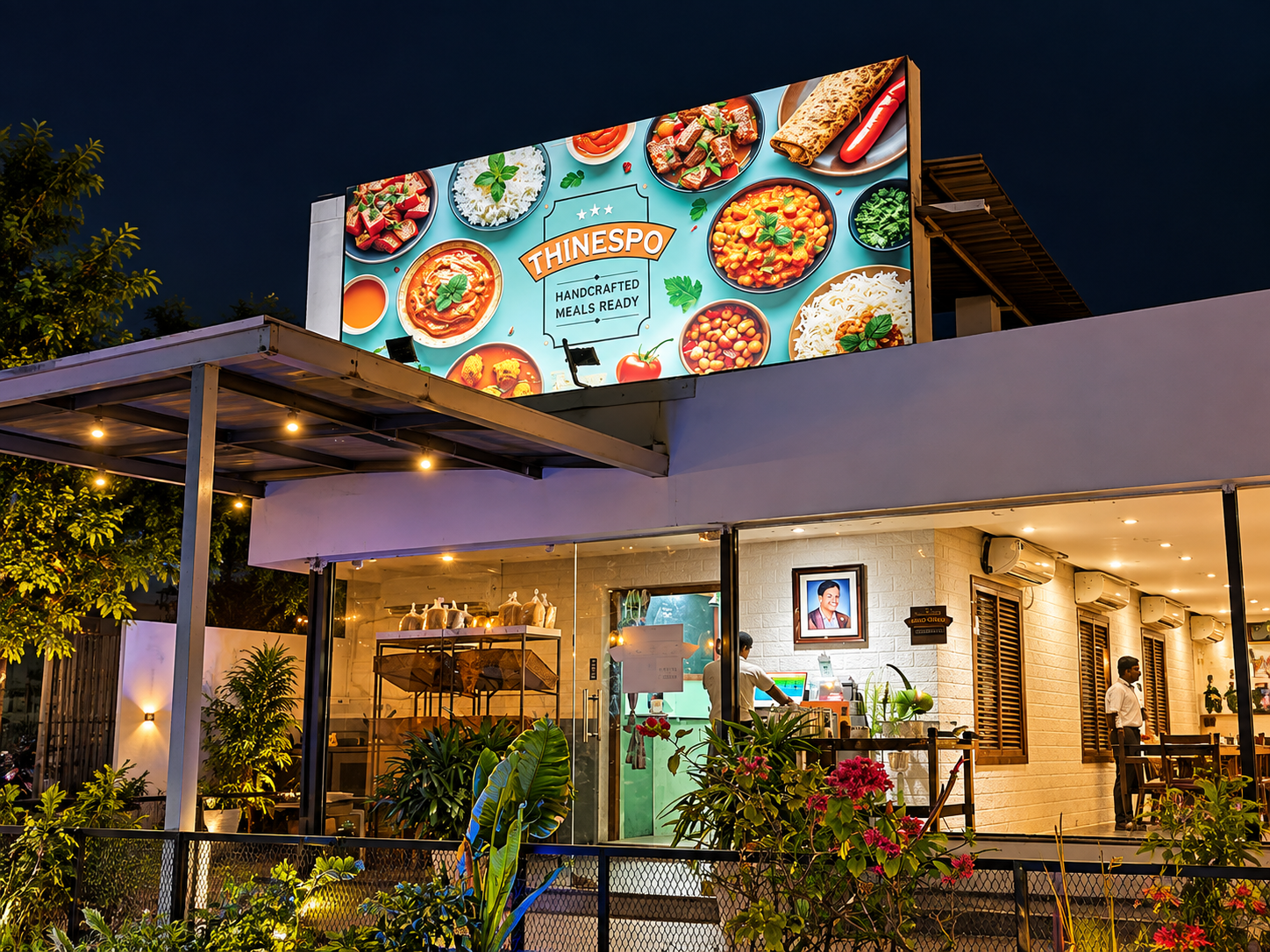
$1,430
in online sales since Aug 2026
Thinespo Cafe
Kompally, Hyderabad
Jain Kitchen
menuthere.com/jainkitchen
Varanasi Division, India

Burger Spot
menuthere.com/burgerspotedappally
Kochi, India
Swad Ghar ka
menuthere.com/swadgharka
Delhi Division, India
Shivraj kitchen
menuthere.com/shivrajkitchen
Gumaniwala rishikesh, India

Aks & Nits Cafe
menuthere.com/aksnitscafe
Konkan Division, India

Burger spot al shamkha
menuthere.com/burgerspotalshamkha
Abu Dhabi Region, United Arab Emirates
Live examples
Each one is a real restaurant's ordering website, newest first. Tap to see the menu, the photos and how ordering works.

HAMZA CAFE
Bangalore Division, India
Jain Kitchen
Varanasi Division, India

Burger Spot
Kochi, India

Gambos
Costa Rica
Swad Ghar ka
Delhi Division, India
Shivraj kitchen
Gumaniwala rishikesh, India

Kerala Specials 2
Spain

Aks & Nits Cafe
Konkan Division, India
TRAVANCORE RESTAURANT
Padur, India

Sushi Lite
Yeronga, Australia
Arabian Food Palace
Pudunagaram, India
Thakkara Restaurant Kuwait
Kuwait, Kuwait