
Loading Menuthere...
Please do not close this window
Please do not close this window
WhatsApp ordering bots, explained
A WhatsApp ordering bot answers "Hi", sends your menu and updates each order, but it needs the WhatsApp Business API and Meta charges per message. Here is what it can and can't do, and what it costs.
The WhatsApp bot is on Pro ($39 a month). Menuthere takes 0% commission on every plan, and Lite and Pro have a 7-day free trial.
Not on Google? Create it manually


What a bot is
A bot is software that answers your customers' WhatsApp messages without a person typing. For a restaurant it usually does three jobs: reply to "Hi" with the menu or an order link, collect an order, and send order updates. It is not a separate app. Every automatic message comes from your own business number.
| Kind | What it does | What it needs |
|---|---|---|
| Auto-replies in the free WhatsApp Business app | A greeting when a customer first writes or after 14 days of quiet, an away message on a schedule, and up to 50 quick replies. No branching and no order updates. | The free Business app. Not a bot in the sense most owners mean. |
| Rule-based bot on the Business API | Fixed paths. "Hi" gets buttons or a link, a keyword gets an answer. Predictable, and it cannot understand free text it was not built for. | The WhatsApp Business API, through a provider or a developer. |
| AI chat bot on the Business API | Reads typed text, and sometimes voice notes, then answers or builds an order. Flexible, but it can get an order wrong and it needs testing. Model costs are extra. Meta's own AI agent is charged per token, about 4 to 5 US cents a message. | The Business API, plus set-up and monitoring. |
| Tap-to-menu bot | Gets the customer from chat to your real ordering menu in one tap. Sizes, add-ons, cart and payment are handled by the menu, so nothing is typed into chat. This is what Menuthere's bot does. | The Business API on your own number. Menuthere sets it up on Pro. |
Meta's figures read 30 September 2026. Menuthere does not offer an AI chat bot. See WhatsApp Business app vs API and can a WhatsApp bot take food orders.
The limits
Most bot pages list only what a bot can do. These limits come from Meta's own documents, so you can check them before you pay anyone.
A bot replies to "Hi" day and night, sends a link to your menu, sends buttons and lists, and sends order confirmations and updates. It can hand the chat to a person.
One message can carry up to 3 reply buttons, with labels of 20 characters. A list can hold up to 10 rows in total, with titles of 24 characters. A product message can show up to 30 items, a carousel up to 10 cards.
Free-form replies work for 24 hours after the customer's last message. After that only approved message templates go out, and Meta says a template review can take up to 24 hours.
Meta's policy lets you automate replies only if the customer has a prompt, clear way to reach a person: staff, phone or email. Every bot needs an exit.
You need opt-in before you send promotions. A customer who texted you first lets you reply inside 24 hours, but that is not consent to marketing.
Meta's policy says do not ask people to share full card numbers, bank account numbers or ID numbers. Payments inside WhatsApp exist only in India, Brazil, Mexico and Indonesia. Elsewhere the bot sends a payment link or a checkout page.
A 60-item menu with sizes and add-ons does not fit in 3 buttons or 10 list rows. The Business app catalogue lists no size or option field. That is why a link to a real menu works better than typing in chat.
A bot that reads free text can get an order wrong. Ask what it does when it does not understand, when an item is sold out, and when the customer wants a person. Some restaurants should skip a bot: a very low order volume where the Business app's greeting is enough, a business led by alcohol or tobacco (Meta's policy prohibits both), or one with nobody to answer a person who asks for help.
What it needs
A real bot needs the WhatsApp Business API. The free Business app cannot run your own bot. WhatsApp's Help Center says its products are not meant for bulk or automated messaging, so tools that do this on the normal app break the terms and can get the number banned. See WhatsApp Business app vs API.
There are two ways to get the API. You can build on Meta's Cloud API yourself. That needs a developer, a Meta business portfolio, access tokens and somewhere to host the bot. Or you can use a Business Solution Provider, or a platform built on one. Meta's guidance is that a business that is not a developer should work with a provider. See what a Business Solution Provider is.
No code or code. With a no-code platform you edit the bot in a visual builder and the platform hosts it. Its fees are its own, and Meta does not publish what providers charge. With code (n8n, custom scripts, Twilio-style builds) you get more control, but you pay a developer and you look after the hosting. The projects at the top of Google for this phrase are the code route. See do I need coding to set up a WhatsApp ordering bot.
Your number. It must be a number you own that can receive an SMS or a voice call. A number registered on the API cannot also stay on the Business app, unless your provider supports coexistence. Coexistence has its own limits, so ask your provider before you connect. See can I use the same number on the app and the API.
Meta business verification is not needed to start. Verification raises your messaging limits and is needed to send WhatsApp Flows. Meta says a decision may take up to 14 working days.
Is it free?
The short answer. The WhatsApp Business app is free but has no bot. Opening a Business API account costs nothing on Meta's pricing page, which lists no monthly platform fee. Meta charges for each message it delivers, and bot platforms charge their own fees.
Three costs, kept apart. One is Meta's per-message fee, billed to your own WhatsApp Business account. Two is whatever your bot platform charges. Three is your time to set it up and check it. On Menuthere the Meta fee goes to your own account and Menuthere takes no cut.
What changed on 1 October 2026. Meta's pricing page, read on 30 September 2026, says that from 1 October 2026 free-form replies inside the 24-hour window are charged, at the same rate as utility messages. Each business phone number gets 1,000 free delivered service messages a month, and unused ones do not roll over. Utility templates sent inside an open 24-hour window are charged too. Without a payment method, Meta delivers service messages only until the free 1,000 are used. Read the pricing change guide and check Meta's live page before you rely on the free allowance.
Worked example, illustrative arithmetic and not a Menuthere result. A customer orders once and gets six messages: the reply to "Hi", order received, accepted, ready, dispatched and completed. Dispatched applies to delivery only. Once the 1,000 free messages are used and all six go at the reply rate, that is ₹0.69 in India (6 × ₹0.115), AED 0.35 in the UAE, SAR 0.24 in Saudi Arabia, about US$0.13 for a UK number and about US$0.02 for a US number. The free 1,000 cover 166 such orders a month per number. Work out your own market in the WhatsApp cost calculator.
What vendors charge. Two examples, not averages. OrderOnWhats.app lists plans from $13 to $129 a month and a chatbot set-up fee from $299. One developer, hsmart.dev, quotes EUR 49 a month to run a custom reservation bot. Most vendors do not show their fee. At the reply rates above, the vendor and the set-up usually cost more than Meta's messages. A bot is cheap per order at reply rates and expensive if you use it for marketing blasts.
Meta's rates
List rates per delivered message, billed by Meta to your WhatsApp Business account. A reply or an order update costs the same as a utility message in every market.
| Customer's number | Marketing message | Reply or order update | Six messages in one order |
|---|---|---|---|
| India | ₹0.8631 | ₹0.115 | ₹0.69 |
| United Arab Emirates | AED 0.2115 | AED 0.0576 | AED 0.35 |
| Saudi Arabia | SAR 0.2159 | SAR 0.0401 | SAR 0.24 |
| Qatar | US$0.0341 | US$0.012 | US$0.07 |
| Kuwait | US$0.0792 | US$0.044 | US$0.26 |
| United Kingdom | US$0.0635 | US$0.022 | US$0.13 |
| US and Canada | US$0.025 (Meta does not deliver marketing templates to US +1 numbers) | US$0.0034 | US$0.02 |
| All other countries | US$0.0604 | US$0.0077 | US$0.05 |
Source: Meta's rate cards effective 1 October 2026, read 30 September 2026. The last column is six replies at the reply rate, rounded, after the free 1,000 a month are used. Rates change, so check Meta's pricing page or the WhatsApp cost calculator.
Compared
Five ways to handle orders on WhatsApp, by kind. No vendor is named, and cells say "varies by vendor" where the answer depends on the product. Menuthere's column is shaded. A tap-to-menu bot is a good fit for sizes, add-ons and online payments. It is a poor fit if you want customers to type orders in chat or send voice notes, because Menuthere has no bot that reads them.
| Feature | Business app auto-replies | DIY bot on the Cloud API | No-code bot platform | AI chat bot | Menuthere Pro |
|---|---|---|---|---|---|
| Runs a bot | No (greeting, away, quick replies) | Yes | Yes | Yes | Yes, rule-based flows |
| Needs the Business API | No | Yes | Yes, through a provider | Yes | Yes, set up on your own number |
| Needs a developer | No | Yes | No | Varies by vendor | No |
| Customer types the order in chat | Not applicable | Depends on the build | Depends on the build | Usually yes | No, taps to your menu |
| Sizes, add-ons, payment | Not in chat | Built by you | Varies by vendor | Varies by vendor | Handled on the menu |
| A person can step in | You answer yourself | Must be built | Varies by vendor | Varies by vendor | Dashboard inbox |
| Meta per-message fee from 1 October 2026 | None | Yes | Yes | Yes, plus model cost | Yes, billed to your own account, no Menuthere cut |
| Vendor fee | None | Hosting and developer | Not published | Not published | Pro, $39 a month |
| Fits best when | Order volume is low | You have a developer | Varies by vendor | Small fixed menu, bookings and enquiries | Sizes, add-ons, daily changes and online payment |
Prices and features of other tools change, so check each vendor. A bot on your own number takes direct orders at 0% commission. It does not connect to Zomato, Swiggy, talabat or any delivery app, so the two run side by side. See commission-free online ordering. If you start with a bot, run it in opening hours first, read the chats, then widen.
Questions owners ask
Find your restaurant on Google and start free. The WhatsApp bot is on Pro at $39 a month, and Lite and Pro have a 7-day free trial.
Meta
Tech Provider
Official Meta Tech Provider
Menuthere is an official Meta Tech Provider. Your WhatsApp ordering, broadcasts and live order updates run on Meta's own WhatsApp Business Platform, the same one global brands rely on.
Sales by day, hour and dish — counted from the orders you already take.
Take UPI, card and wallet payments at checkout, each matched to its order.
Send offers to customers who have ordered, and win back the ones who drifted.
Discount codes, free items and points your customers redeem at checkout.
Every order lands on your dashboard, your phone and your kitchen printer at once.
Assign an order to your own rider; your customer follows it on a live link.
600+ restaurants run their own ordering website.
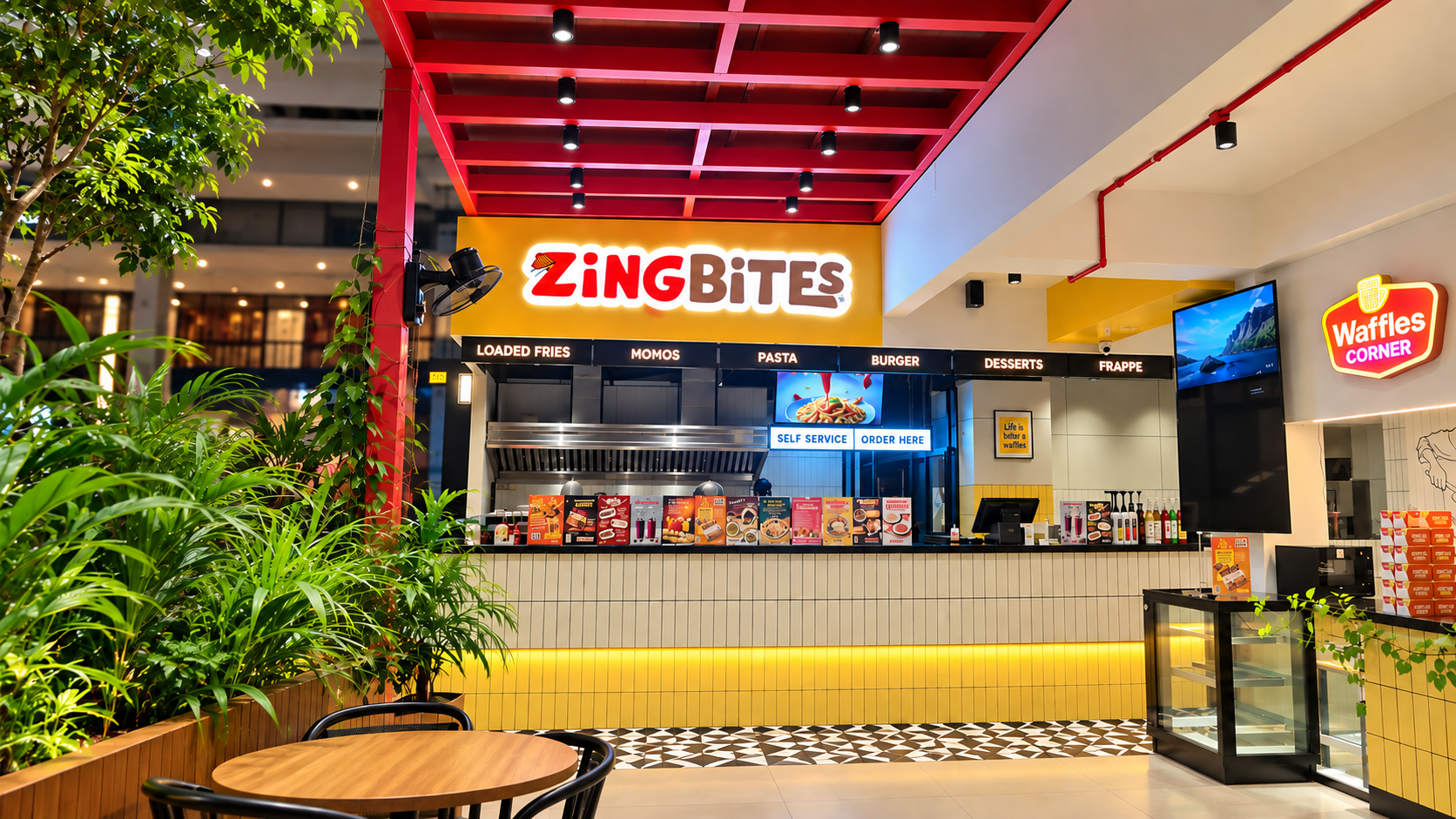
$5,860
in online sales since Jun 2026
Zing Bites
Medical College, Kozhikode
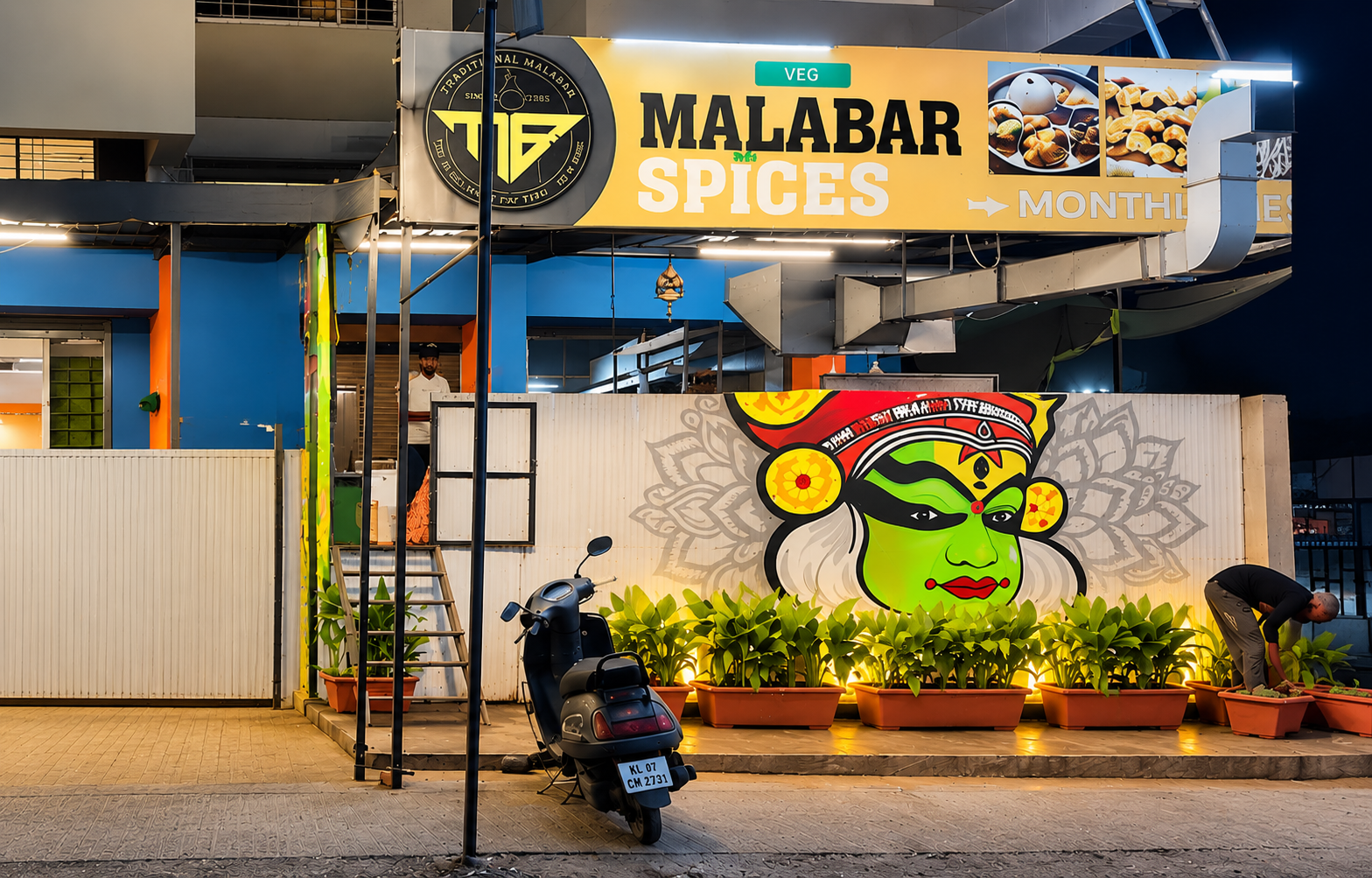
$2,890
in online sales since Feb 2026
Hotel Malabar Spices
Kadamwak Wasti, Pune
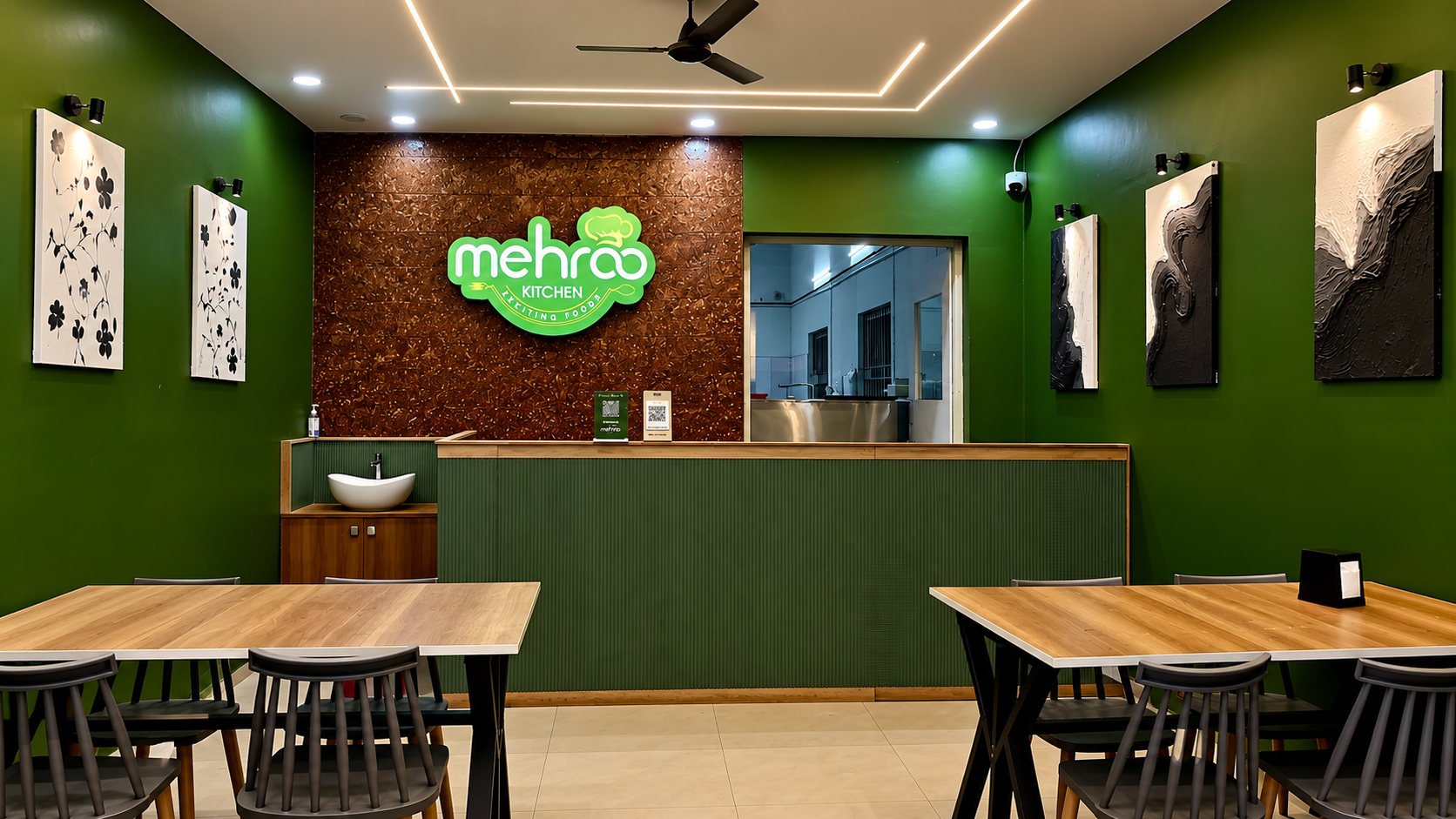
$1,980
in online sales since Jun 2026
Mehroo Kitchen
Bengaluru
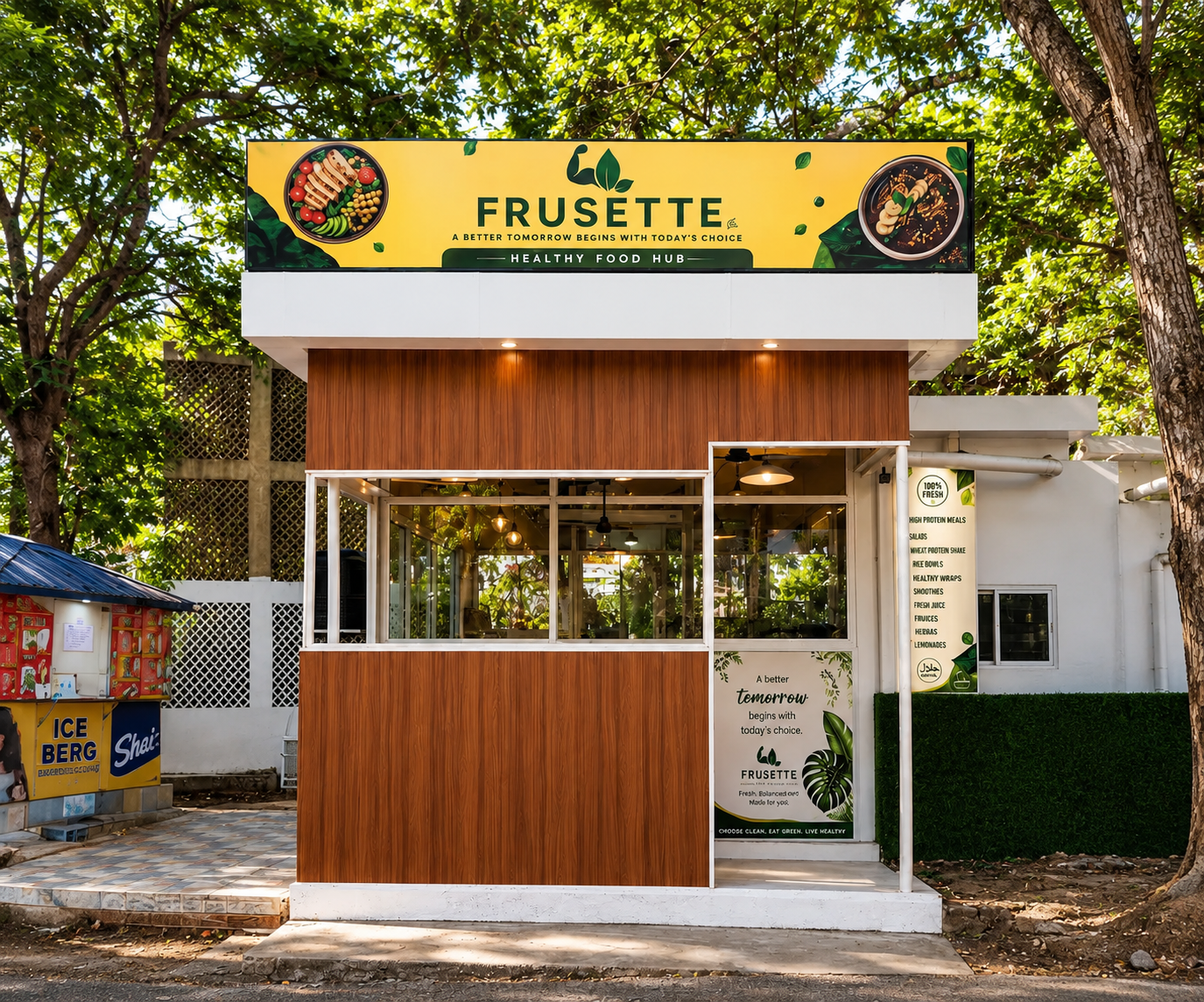
$2,370
in online sales since Jun 2026
Frusette
Technopark, Thiruvananthapuram
$2,060
in online sales since Aug 2026
Chiqby
Kanjiramattom, Ernakulam
$1,180
in online sales since Aug 2026
Thinespo Cafe
Kompally, Hyderabad
Dine Divine
menuthere.com/dinedivine
Thenhipalam, India
Juzo Mangalore
menuthere.com/juzomangalore
Mysore Division, India

Funny Box 3 Cannabis cafe - Exclusive Cannabis Shop Pattaya 420
menuthere.com/funnybox3cannabiscafeexclusivecannabisshoppattaya420
Amphoe Bang Lamung, Thailand
Dum'B Chay
menuthere.com/dumbchay
Pattuvam, India

CAFE CHOKOLADE
menuthere.com/cafechokolade
Nashik Division, India
Alankar Restaurant
menuthere.com/alankarrestaurant
Kozhikode, India