Order notifications
A new order rings on your Menuthere partner app until someone accepts it, so a busy kitchen does not miss one.
Every plan
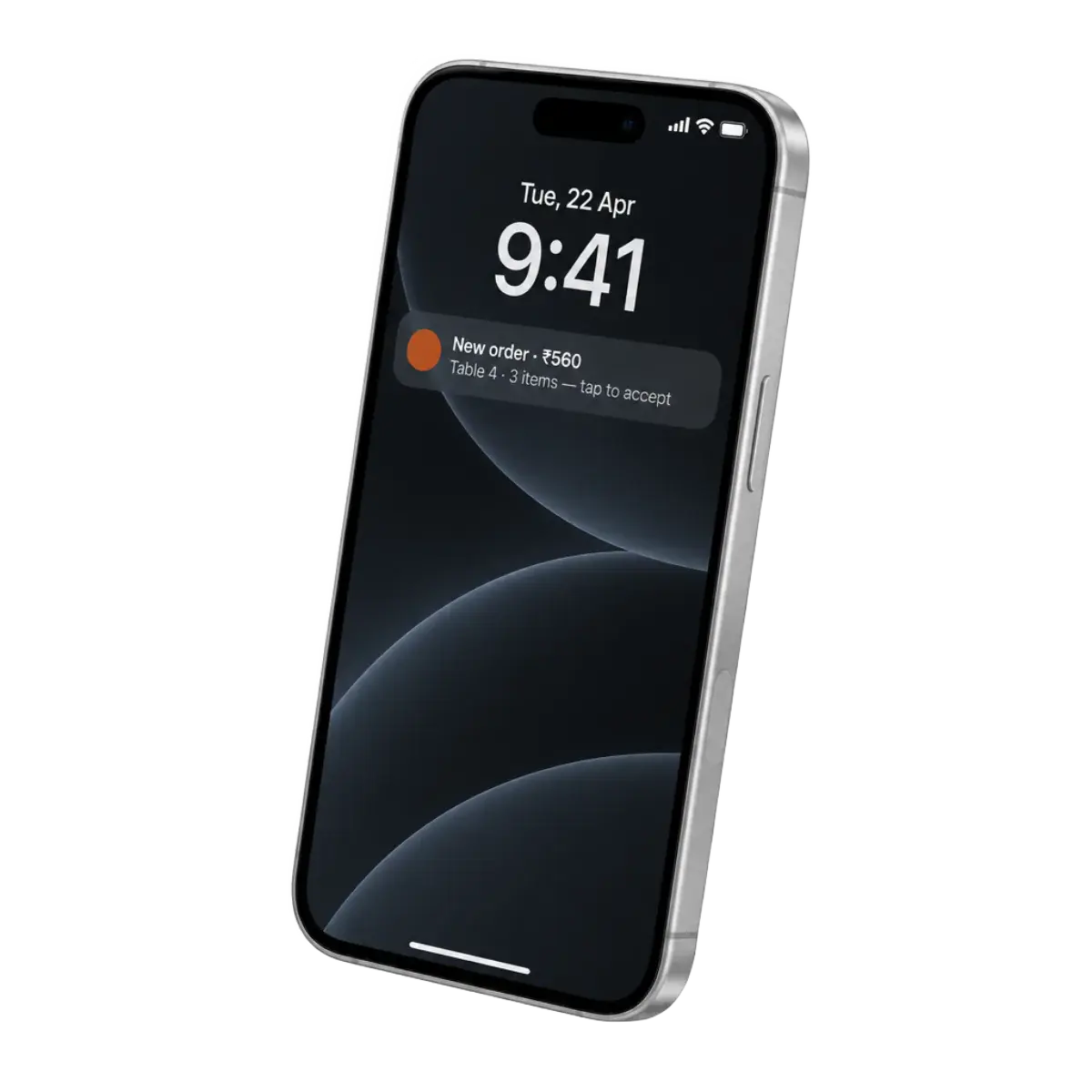
A new order rings on your Menuthere partner app until someone accepts it, so a busy kitchen does not miss one. It shows on the live Orders screen at the same moment, and it can print the kitchen ticket by itself.
What you get
- Rings until acceptedThe Android, iPhone and Windows apps keep ringing for a new order until someone presses Accept.
- One live listOrders shows everything from the last 24 hours as it comes in, with chips for what needs you now.
- Five clear stepsPending, Accepted, Food Ready, Dispatched and Completed. One button moves an order on, and the customer's page follows.
- Accept automaticallyAccept instantly, or let the alarm ring for 30 seconds to 2 minutes first and accept only if nobody has.
- Print without pressingThe kitchen ticket can print when an order is accepted and the bill when it is completed.
- Edit or cancelChange items, add a charge or a note, or cancel a pending order with a reason the customer sees.
How it works
- 01Install the partner appGet the Menuthere app on Android, iPhone or the Windows counter PC and sign in with your dashboard email.
- 02Choose how orders are acceptedBy hand, instantly, or after the alarm has rung for a while.
- 03Cook and move it onMark the order Food Ready, then Dispatched or Completed. The customer sees each step.
In the dashboard:Orders
Which plans include it
Starter$49 a monthIncluded
Growth$129 a monthIncluded
Premium$249 a month, up to 3 locationsIncluded
Set it up, step by step
Each guide shows exactly where to click in your dashboard.
Works well with
Kitchen tickets and billsPrint the KOT and the bill by hand, or automatically as the order moves.Every planMenu managementImport your menu from a photo, then edit dishes, sizes, add-ons and availability.Every planRider appHand the order to your own driver; the customer follows it on a live map.Every plan
Start taking orders on your own website.
Your menu, QR codes and ordering website, with 0% commission on every plan. Starter and Growth come with a 14-day free trial.
- 0% commission
- 14-day free trial
- No contract