WhatsApp broadcasts and comeback messages
A broadcast sends one approved WhatsApp message to many customers at once, from your own number.
From Growth plan
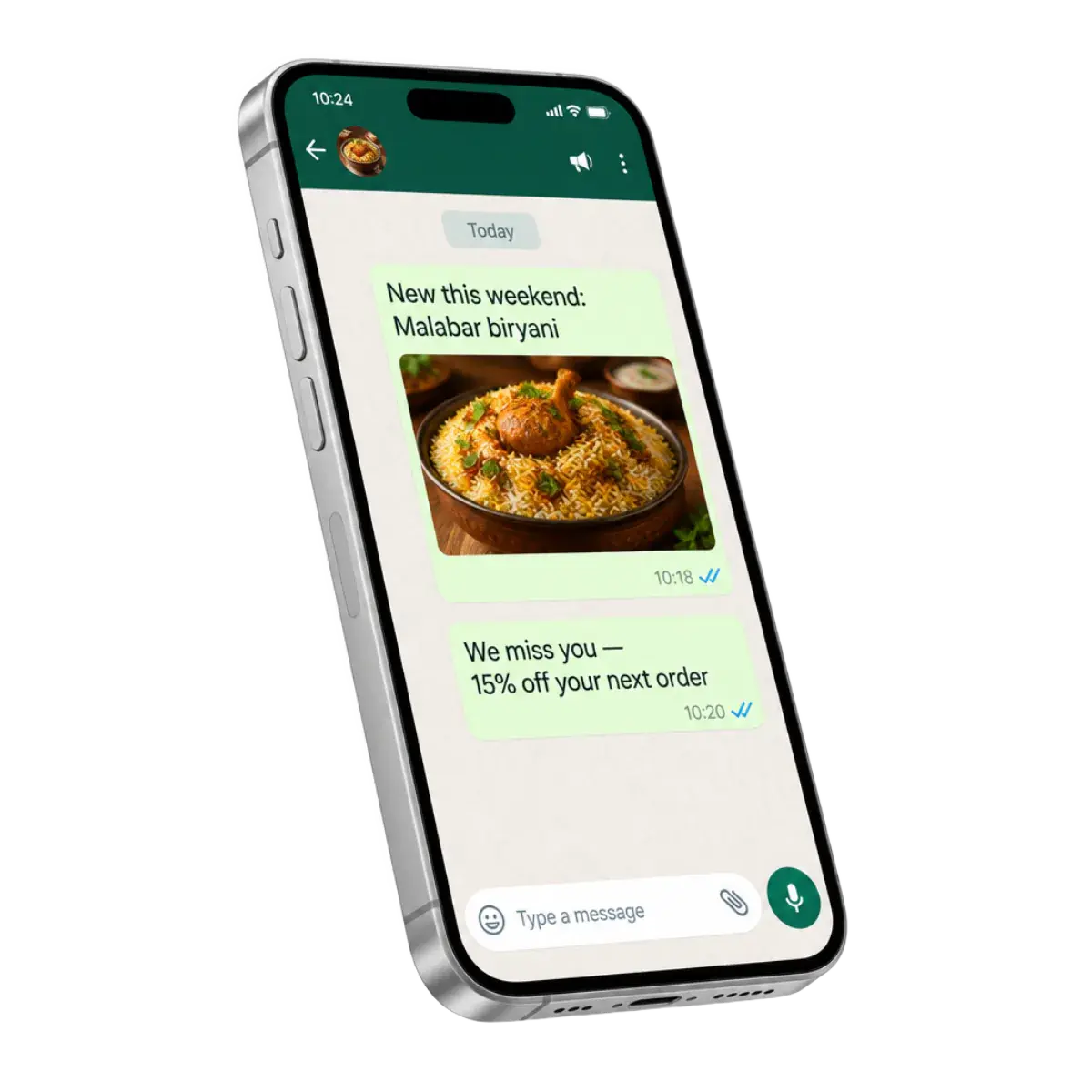
A broadcast sends one approved WhatsApp message to many customers at once, from your own number. Comeback messages reach customers who have gone quiet: switch on the groups you want and Menuthere messages anyone who passes the quiet period.
What you get
- From your own numberMessages go from your WhatsApp Business number, not a shared one.
- Send to the right peopleChoose who receives it, now or at a set time.
- Big lists, sent over daysA list bigger than your daily limit is sent in batches over several days, so nothing is refused.
- Comeback messagesPick lapsed or at-risk customers and a message for each. Results show how many came back.
- STOP is respectedCustomers who reply STOP go on a blocklist and never get a broadcast.
- You see the costMeta charges per message on your own account; Menuthere takes none of it.
How it works
- 01Connect WhatsAppSign in with Facebook and pick your business number.
- 02Get a template approvedWrite a Marketing template and send it to WhatsApp for review.
- 03Send or scheduleChoose the audience and the time, or switch on comeback messages.
In the dashboard:Sales channelWhatsAppBroadcast
Which plans include it
Starter$49 a monthNot included
Growth$129 a monthIncluded
Premium$249 a month, up to 3 locationsIncluded
Set it up, step by step
Each guide shows exactly where to click in your dashboard.
Want the bigger picture?Read about WhatsApp marketing
Works well with
WhatsApp order updates and botOrder updates, a shared inbox and a bot you build, on your own number.Every planDiscounts and loyalty pointsDiscount codes, free dishes and points customers redeem at checkout.Every planCustomers and reviewsWho orders, how often and what they spend, plus their star ratings.From Growth plan
Start taking orders on your own website.
Your menu, QR codes and ordering website, with 0% commission on every plan. Starter and Growth come with a 14-day free trial.
- 0% commission
- 14-day free trial
- No contract